





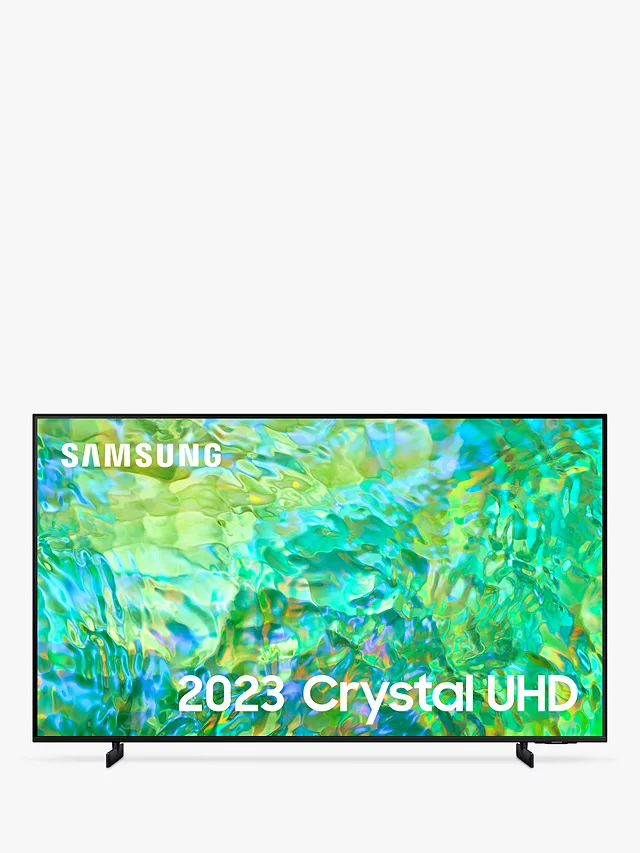
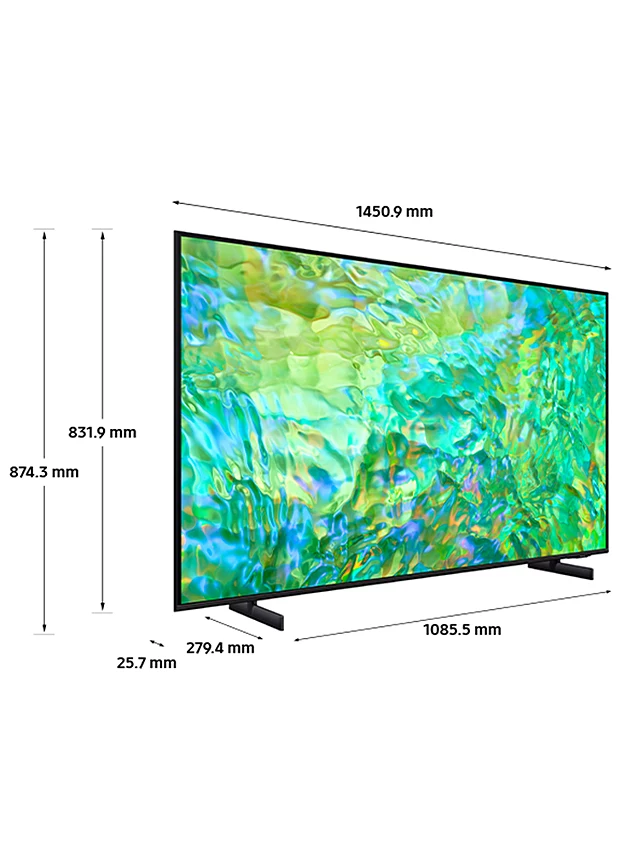
Samsung UE65CU8000 (2023) LED HDR 4K Ultra HD Smart TV, 65 inch with TVPlus, Black
Brand Samsung
Supported Internet services Netflix, Hulu, Amazon Instant Video, YouTube, Browser
Display technology LED
Resolution 4K
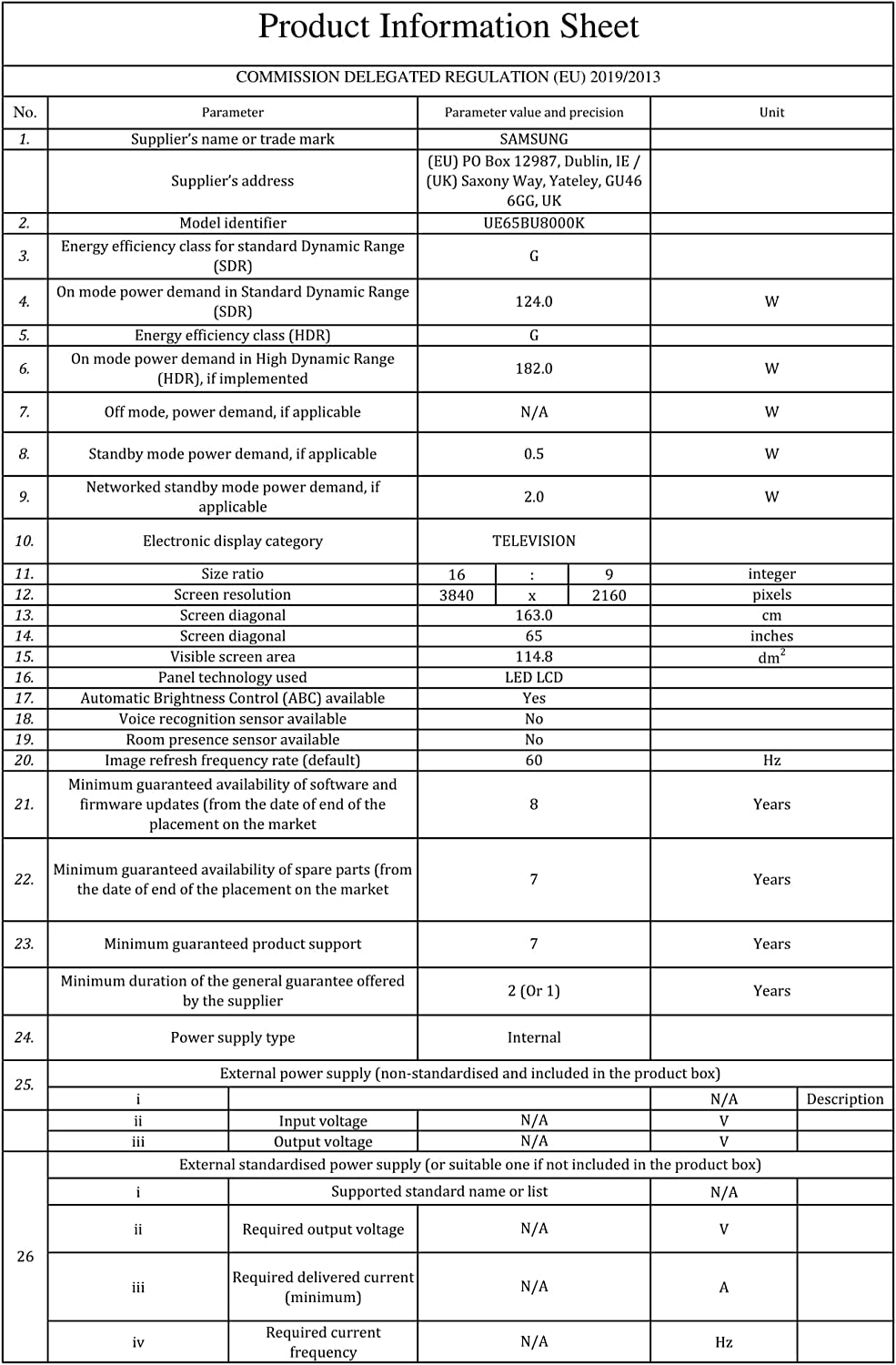
Refresh rate 50 Hz
Special feature 4K Smart TV
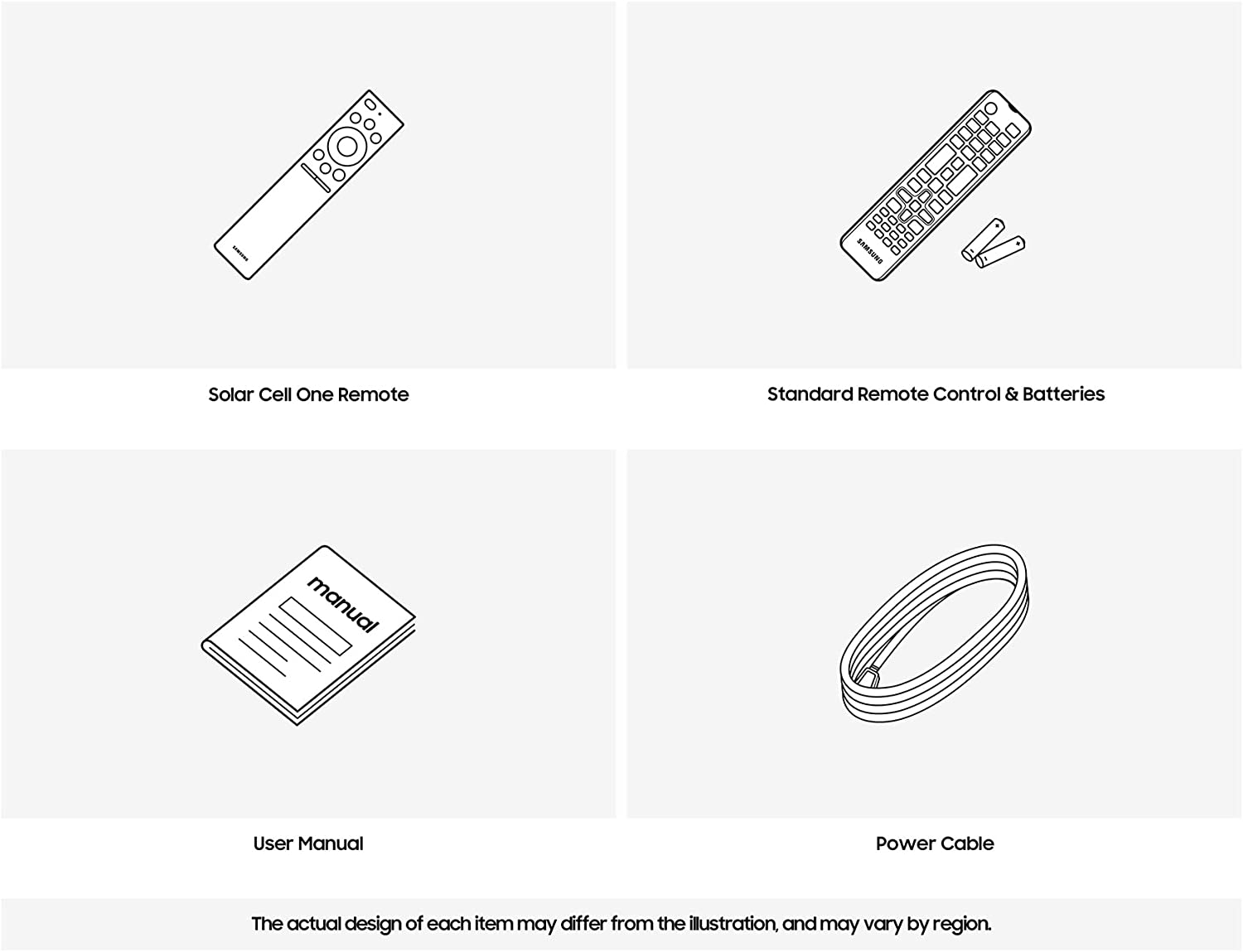
Included components Power Cable, Remote, One Remote, User Manual, TV Stand Neck, TV Stand Base
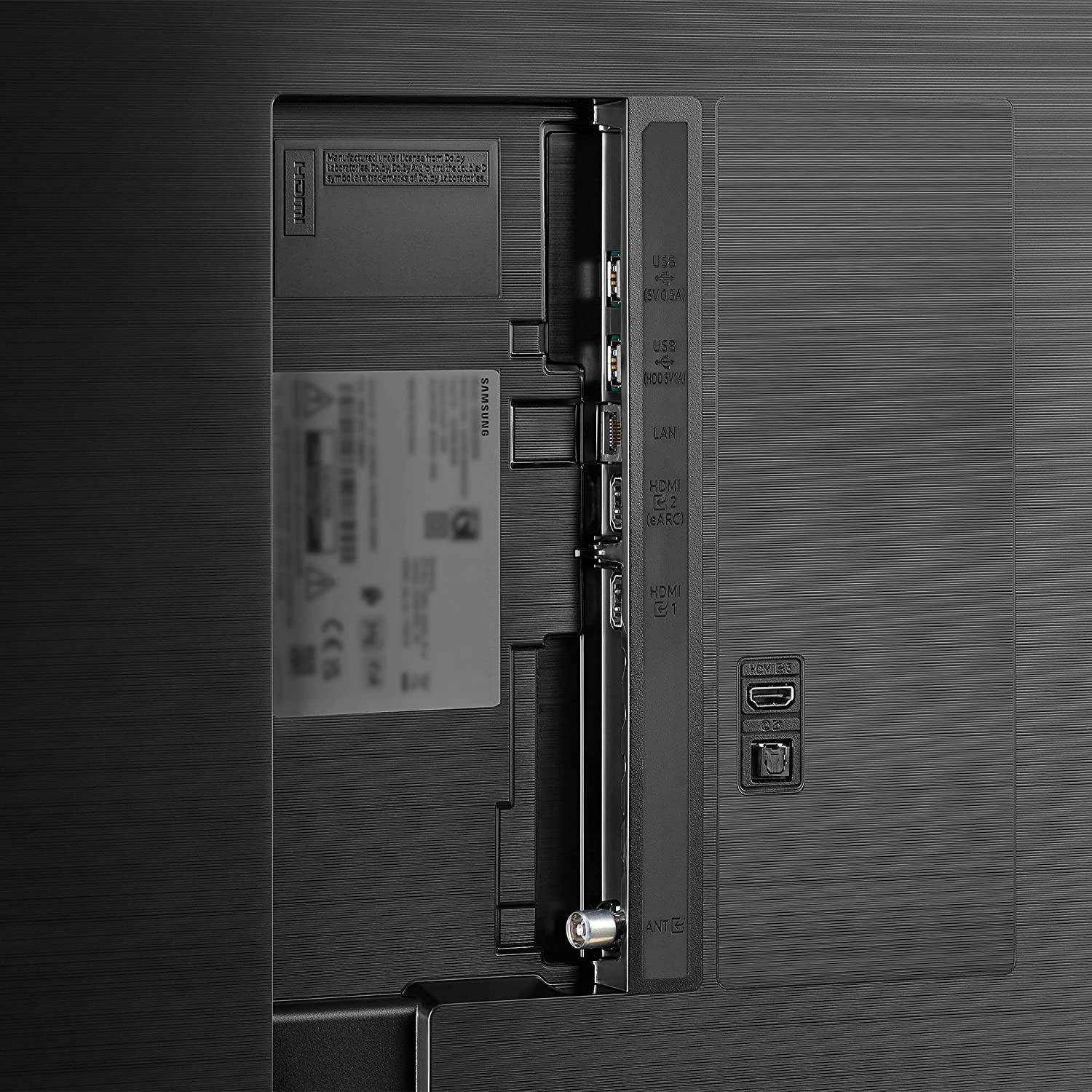
Connectivity technology Bluetooth, Wi-Fi, Ethernet, HDMI
-
Detail
Gaming Hub
Samsung Gaming Hub brings together the biggest console and streaming games from Xbox and other industry-leading partners, all in one place. With no downloads, storage limits or console required, just grab your compatible controller, turn on your TV and play. Auto Game Mode (ALLM) allows you to never miss an overtaking move in your favourite racing game thanks to incredibly low input lag. With Auto Game Mode, your TV knows when you're ready to play so it automatically switches to minimise input lag and optimise picture settings. It's never been quicker to lose yourself in a fantasy world.Smart TV powered by Tizen
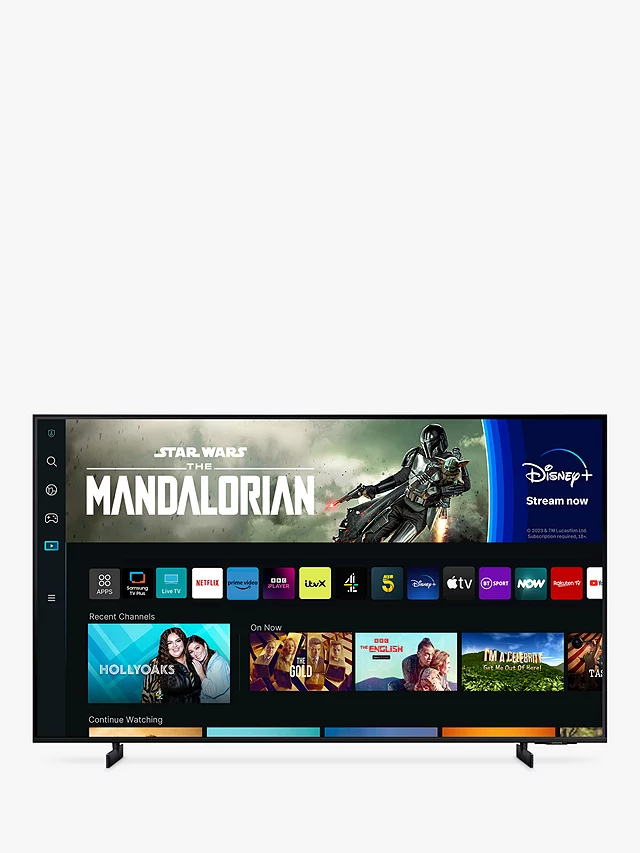
It’s never been easier to enjoy TV. Dive into a huge collection of 4K films, TV shows, and all your catch-up TV apps – including Netflix, Disney+, Apple TV, NOW TV and BT Sport apps – all in one place. Not sure what to watch? Our easy-to-use and customisable Smart Hub platform gives you tailored recommendations.Adaptive Sound
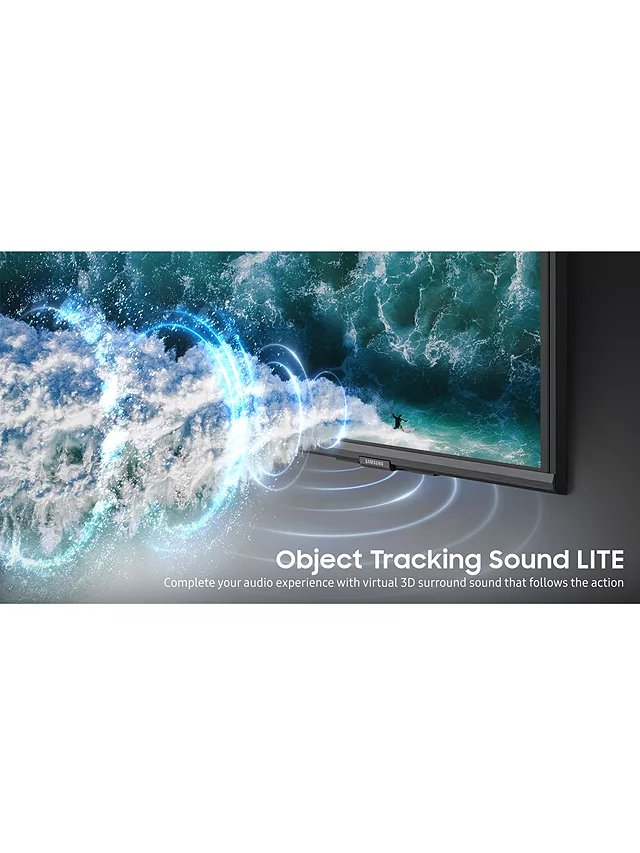
Whether you're watching dialogue, sports, the news or the latest blockbuster - your audio needs are different. Adaptive Sound recognises the content on the screen and adjusts the sound to what you're watching. Whether the director’s intent is to make you feel like part of the crowd or centre stage, the TV will be sure to fulfil.Smart Features
Control your TV with your favourite Voice Assistant - with Bixby and Alexa built-in to your TV. Ask them to change the volume, find that new series, bring up your holiday photos, or check on your connected devices in your smart home. The possibilities are endless – you just need to ask. With Tap View, casting and screen mirroring have never been easier. Turn on NFC on your phone and tap it against the edge of the TV.
SHOW MORE SPECS -
Customer ReviewsNo comments